We offer a full range of garage services to vehicle owners in Tucson. We can help you with everything from an oil change to an engine change. Whether you drive a small car or medium sized truck or SUV, our mechanics strive to ensure that your vehicle will be performing at its best before leaving our car shop.
AT A GLANCE
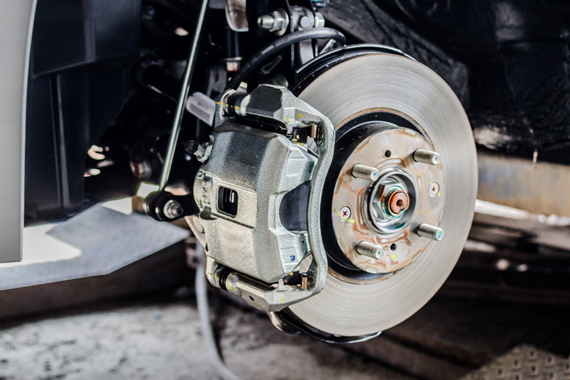
Front Brakes Repair
$49.95
Rear Brakes Repair
$59.95
Rear Brake Shoes
$65.25
Axle
$149.95 Each
Starters / Alternators
$225.95 Plus Parts
We offer full range of garage services to vehicle owners in Tucson. Our professionals know how to handle a wide range of car services. We can handle any problem on both foreign and domestic vehicles.
We make auto repair and maintenance more convenient for you